

LITTLEPIGEON

CHARACTER ARTIST//ILLUSTRATION

DATA FILE : WF-05.22320

ABOUT ME

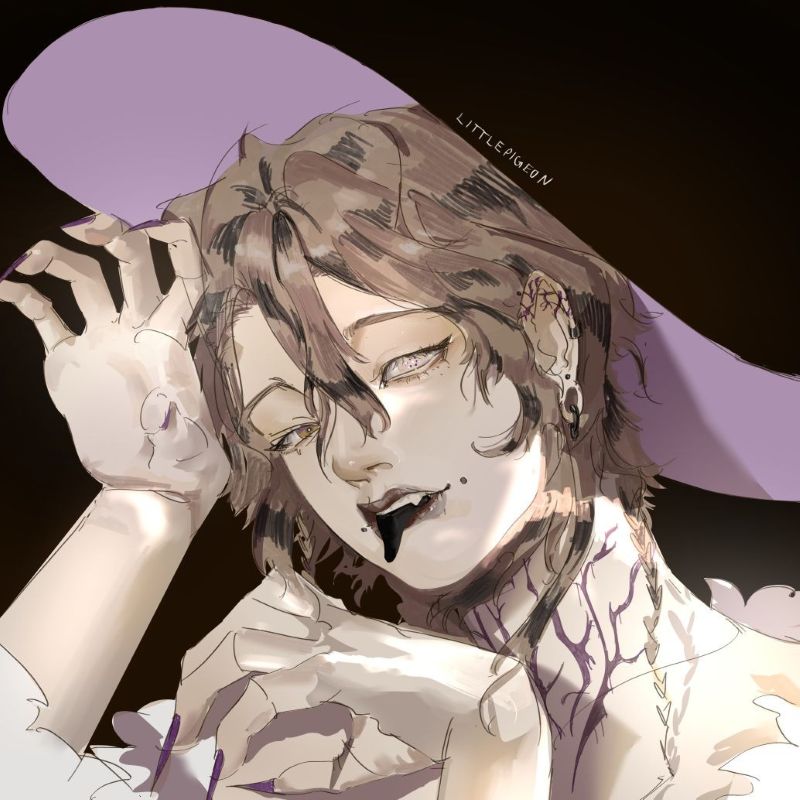
I am LITTLEPIGEON, a digital artist based in Germany. For the past two and a half years, my artistic focus has been on digital art. In my work, I strive to create characters defined by unusual shapes and details. I hope to learn how to connect illustrations more intentionally with narrative content and to further develop my creative skills.

PORTFOLIO

CHARACTERDESIGN

WHERE IDEAS BECOME CHARACTERS//

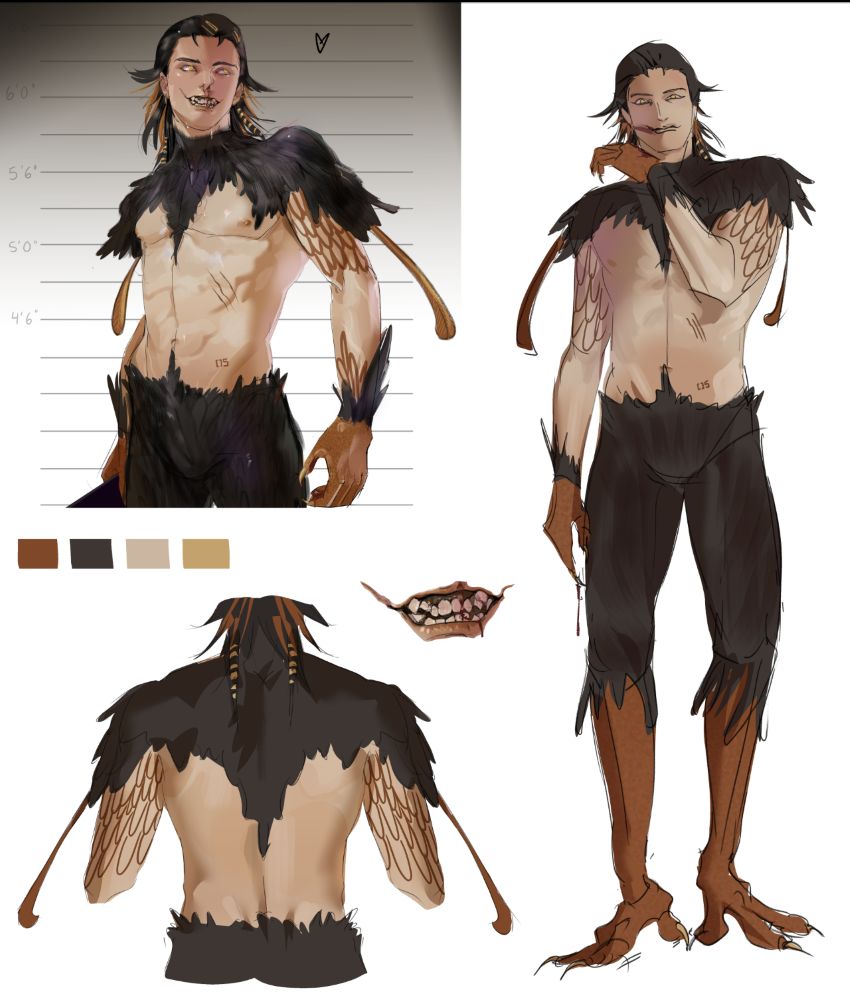
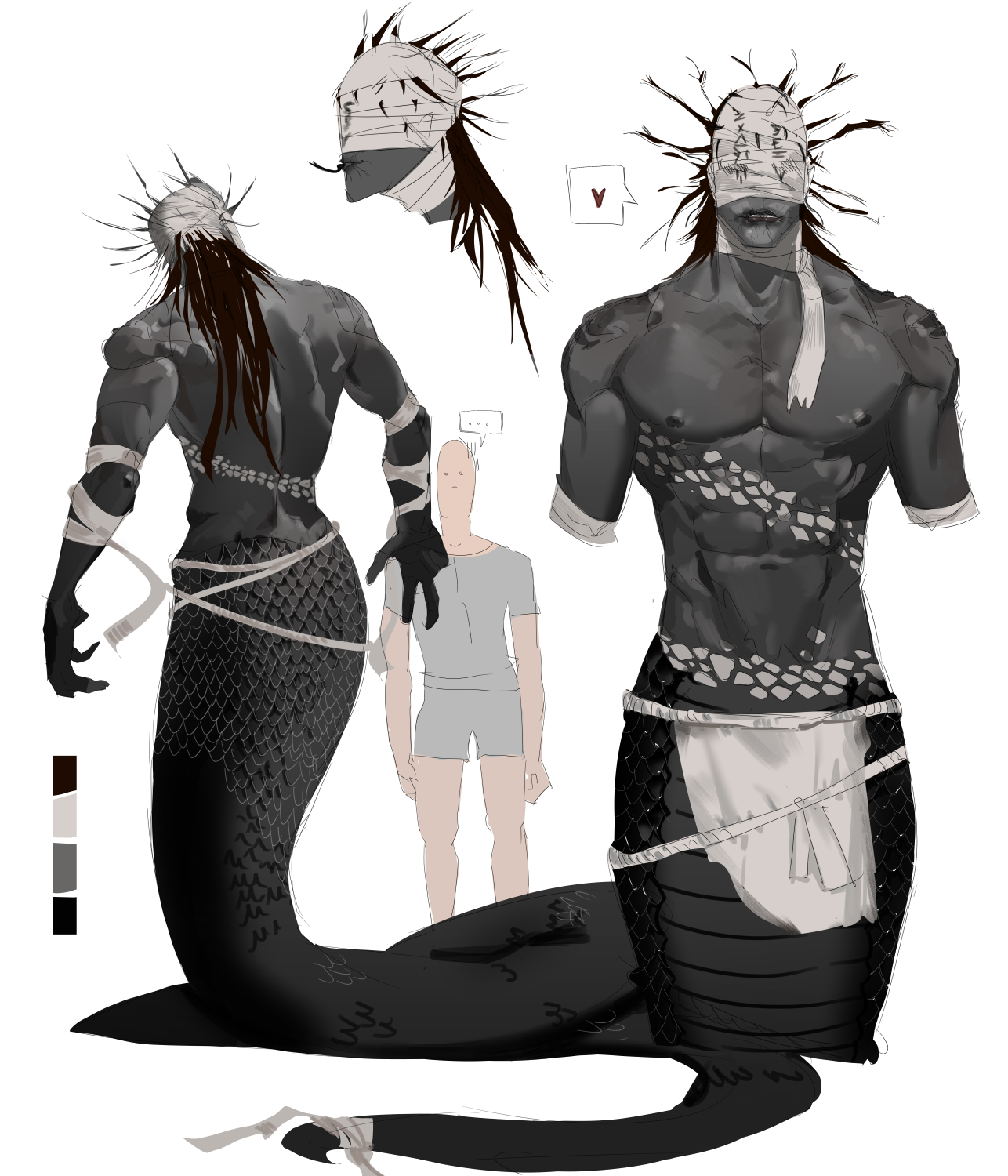
Exploring Character design through animal traits, anatomy, silhouette and hybrid concepts inspired by instinct and nature.

I enjoy using animal characteristics and dark muted colors to create characters. I usually render with a simple round brush and airbrush,using the lasso tool for the base shapes. Since these are designs sheets, I keep the rendering clean and simple. Made in Clip Studio Paint.

VIEW MORE

ILLUSTRATION

WHERE LIGHT SHAPES ILLUSTRATIONS//

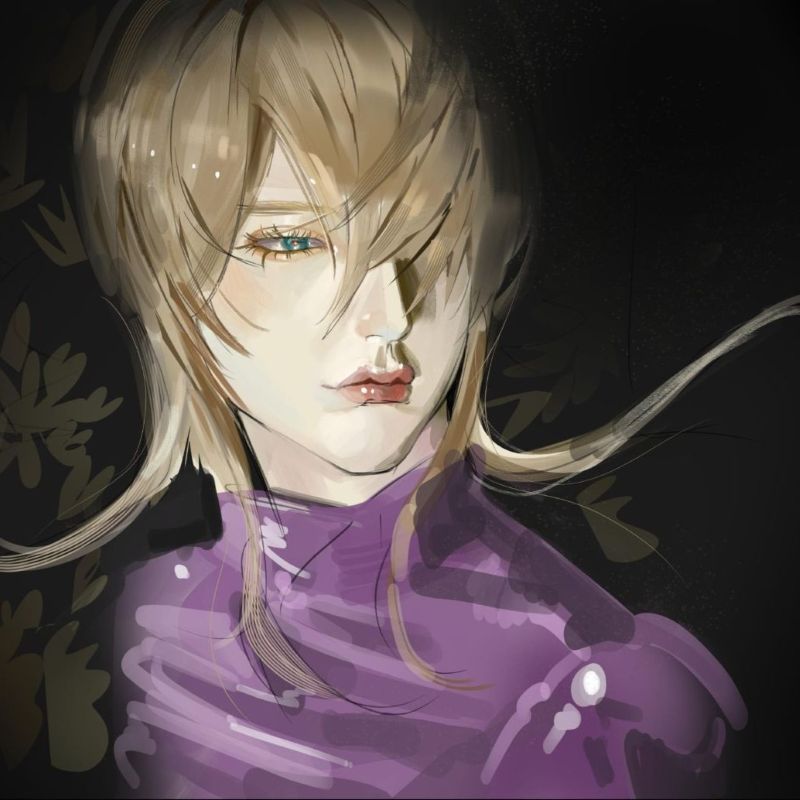
My illustrations focus primarily on characters and their emotions rather than detailed environments. I prefer to keep backgrounds simple, abstract, or enriched with floral elements to create atmosphere without distracting from the subject itself.

My work has a painterly yet clean rendering style, and I enjoy experimenting with lighting, often using strong contrasts to enhance the mood and visual impact of an illustration.

VIEW MORE

FANART

FANART COLLECTION//

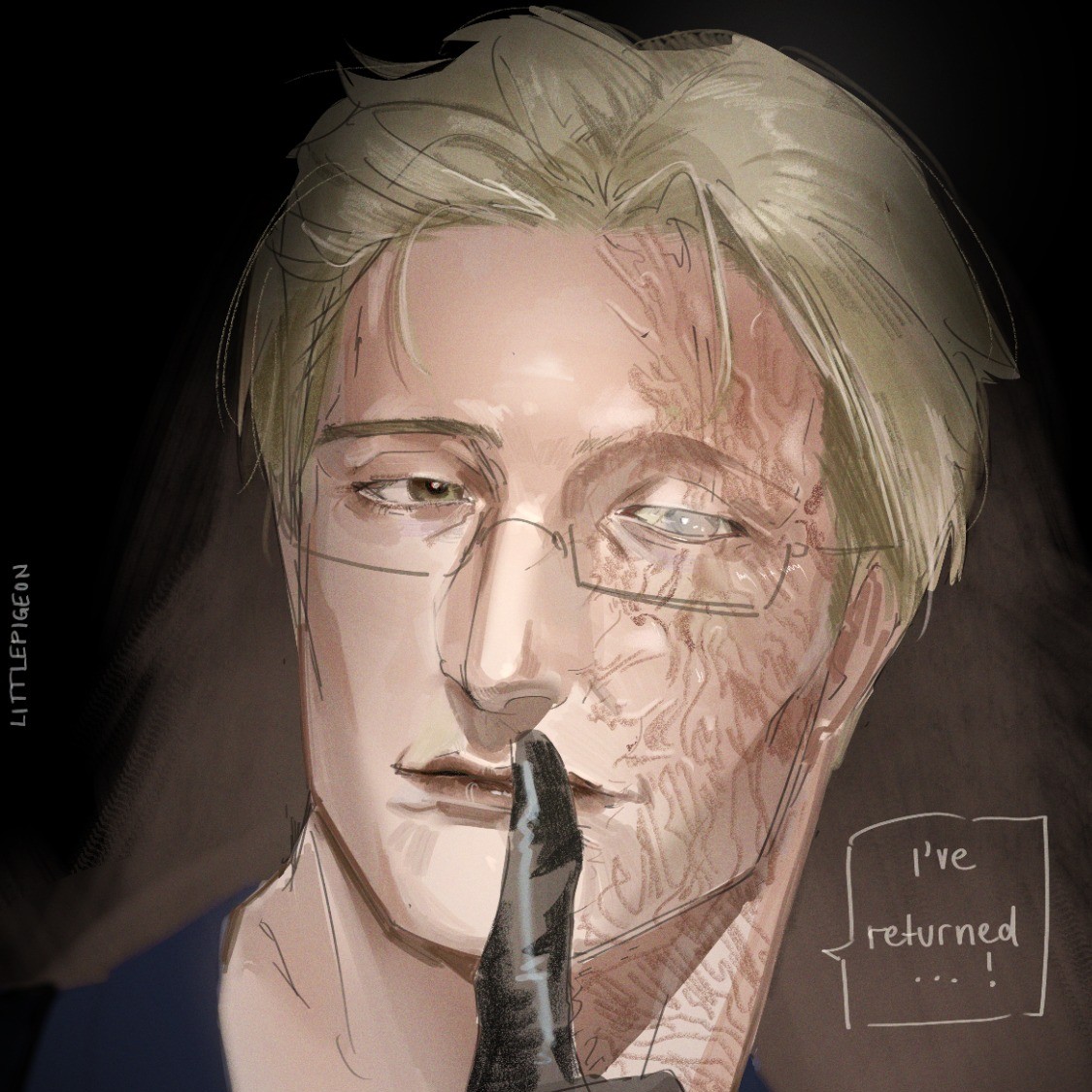
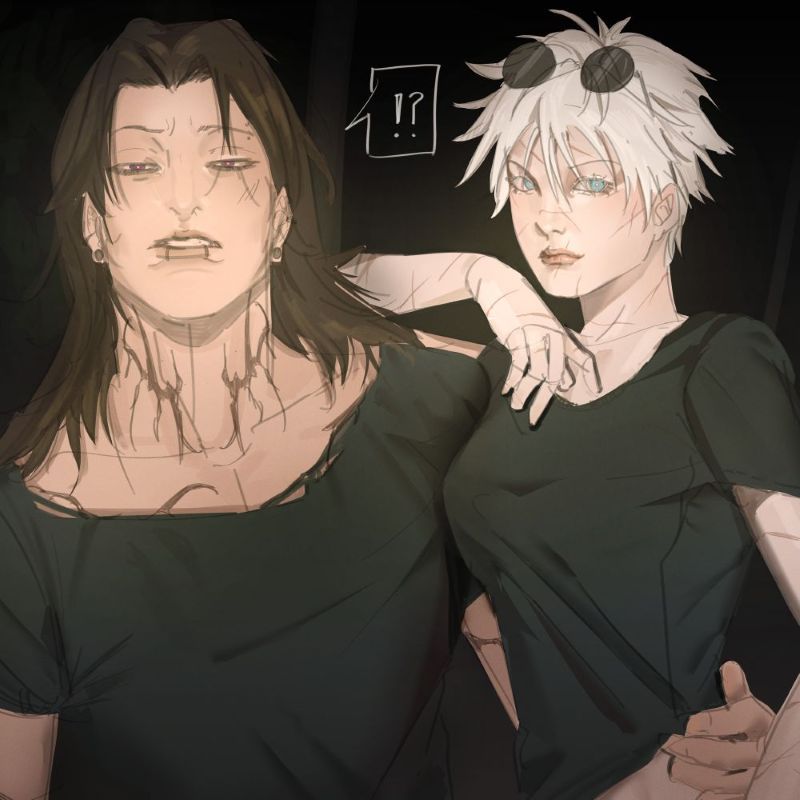
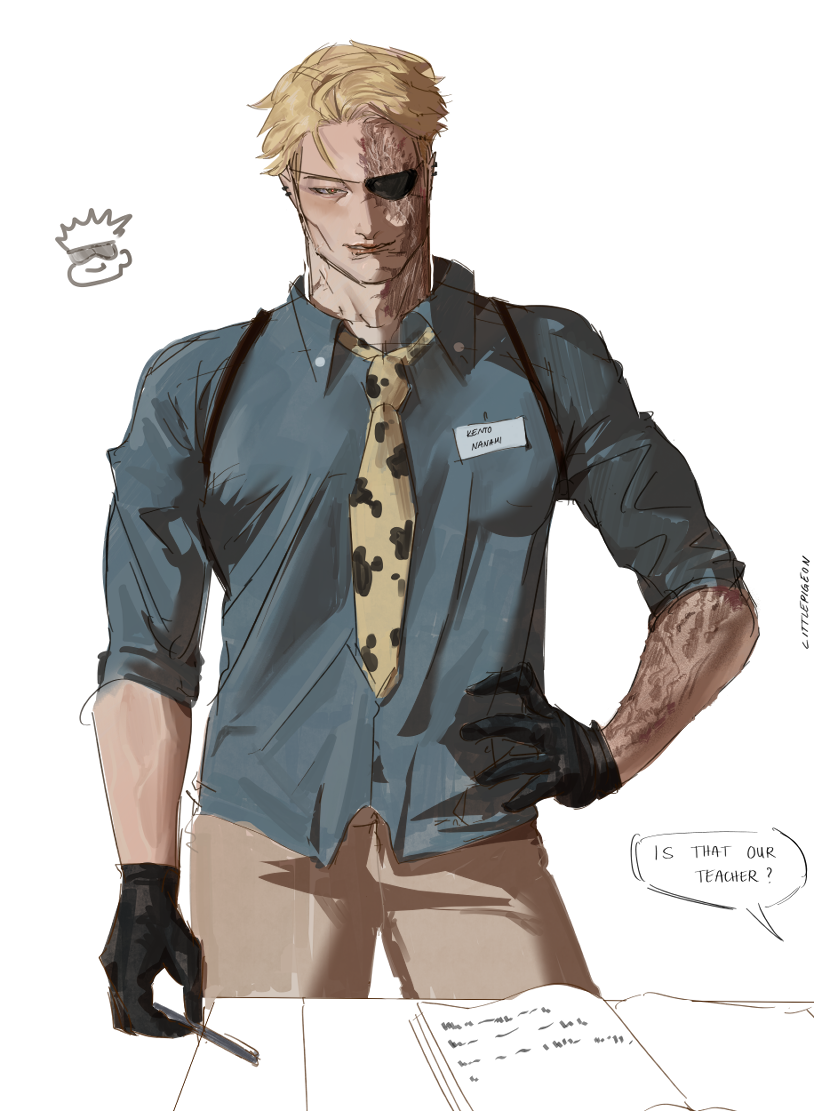
My fanart focuses mainly on character-driven illustrations with dramatic emotion, dark aesthetics, and a touch of sensuality aimed toward the female gaze.

As a multifandom artist, I enjoy exploring different characters and dynamics, though my work is primarily centered around Jujutsu Kaisen fanart, especially my illustrations of Kento Nanami, which I’m most known for.

VIEW MORE

WORKFLOW

DATA FILE : WF-05.22323

SKETCH//

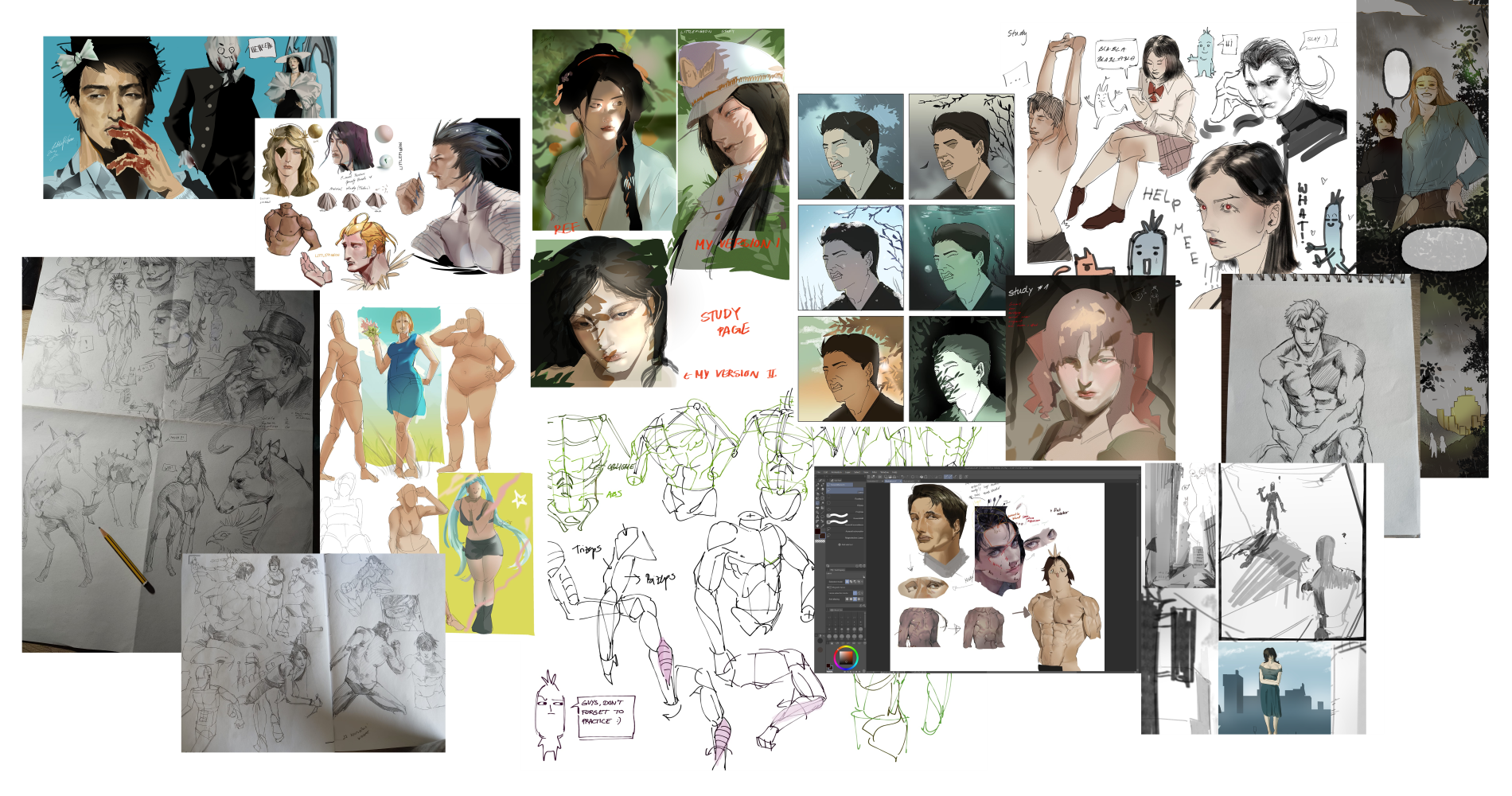
I start with a rough sketch to establish the composition and explore different ideas. Since I don't use traditional lineart, I keep this stage loose and focus on the overall shapes rather than fine details. I usually work with a simple brush at a lower opacity.

DATA FILE : WF-05.22324

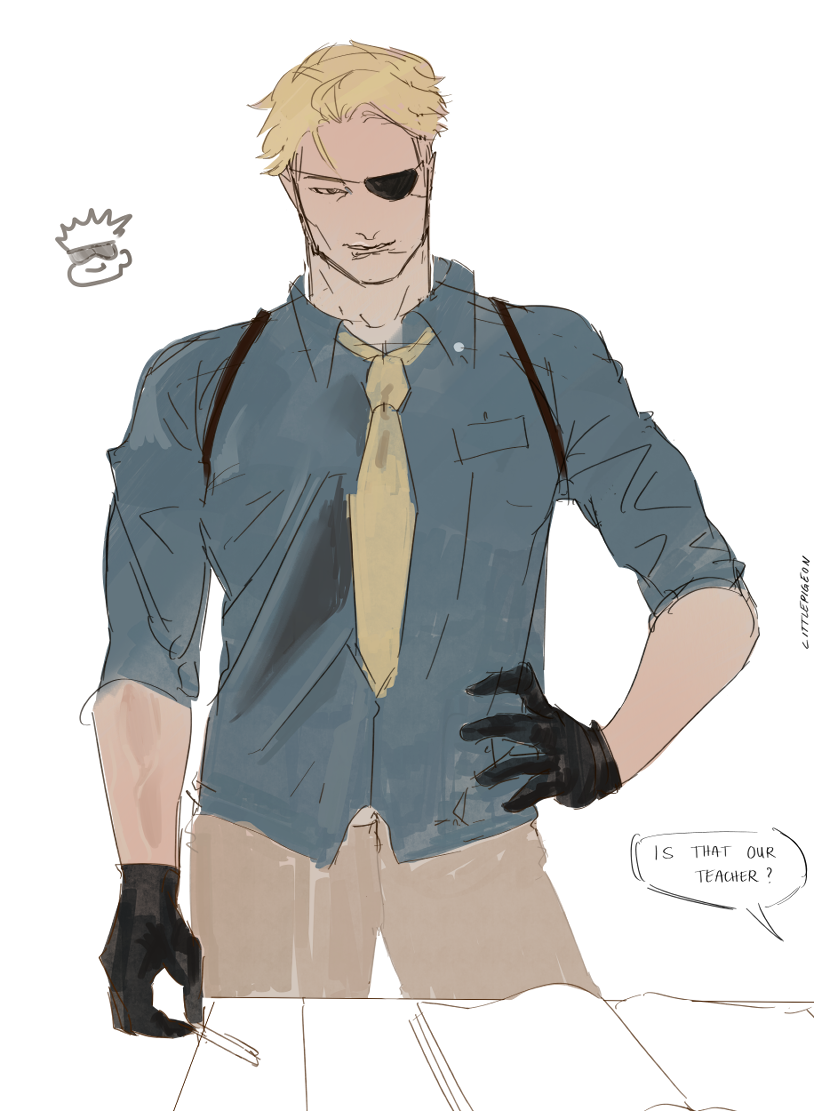
BASECOLOR//

Next, I block in the main colors using either the lasso tool or a brush. This stage is focused on defining the overall color layout rather than details.
DATA FILE : WF-05.22325

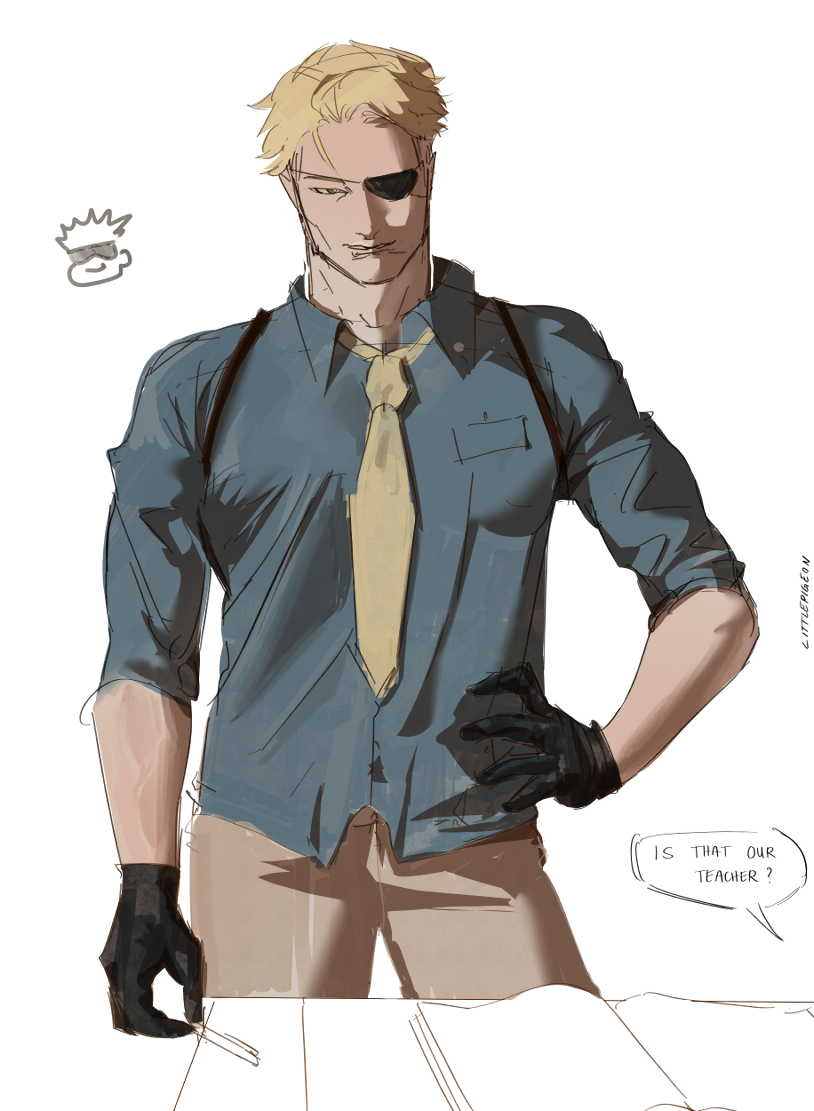
SHADOWS//

I add shadows on a Multiply layer, building depth and form. The shadow edges are blended using either a textured brush or a soft blending brush, depending on the surface.
DATA FILE : WF-05.22326

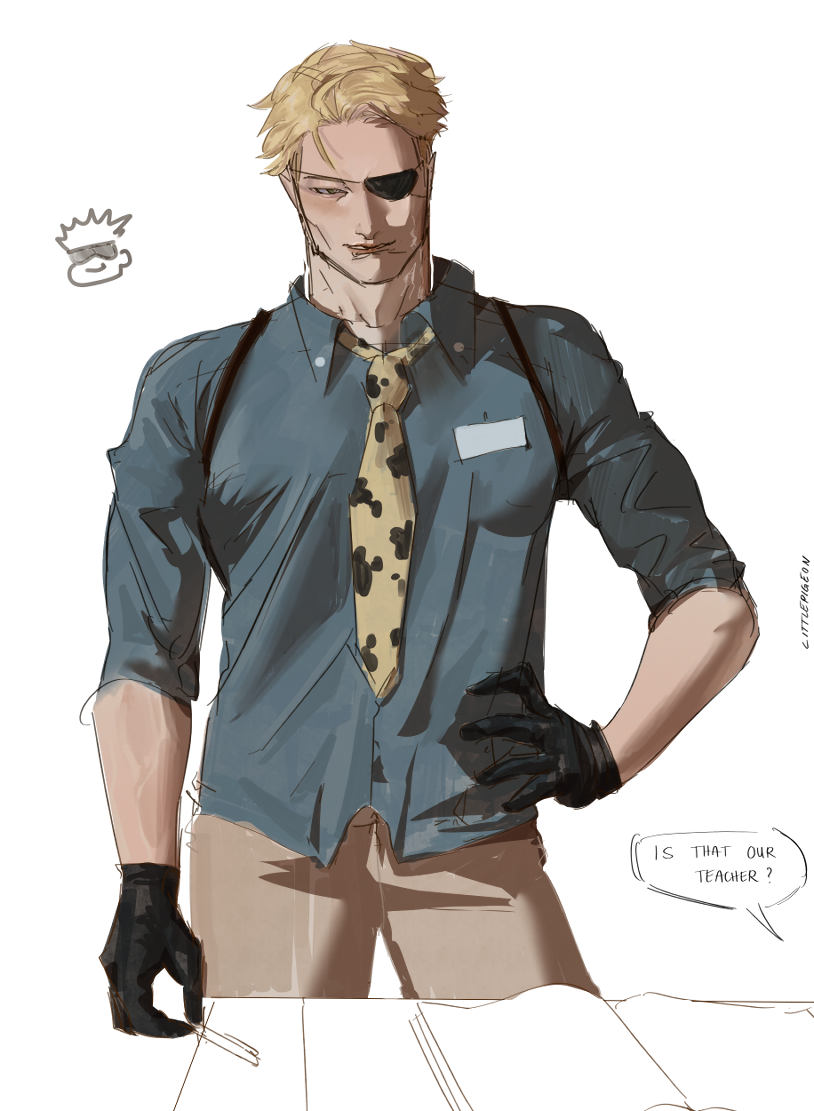
RENDER//

I refine the illustration using a combination of textured brushes, soft-edge and hard-edge brushes, and an airbrush. This helps me develop lighting, depth, and details.
DATA FILE : WF-05.22327

OVERPAINT//

Depending on my motivation and the direction of the piece, I may overpaint on top of all layers to push details further and refine the final result.
How I come up with ideas when I’m stuck //

When I’m stuck, I usually go on Instagram or Pinterest to get new ideas and perspectives. Just scrolling through different styles, colors, and compositions often helps me get out of that creative block.

I also love collecting art books and often look through favorites like “Sketch” by Katsuya Terada or “Tokyo Ghoul:Re illustration:Zakki” by Sui Ishida. Even small details from these can spark new ideas. Looking at these works helps me notice details I might not have thought about before, whether it’s line work, shading or composition.

What inspired me to start drawing?//

I often get asked what inspired me to start drawing, and it wasn’t just one moment it was more of a gradual process. I used to draw as a kid, but mostly for school assignments rather than in my free time.

That changed in 2020 during the COVID pandemic, when I got into webtoons and anime. Through fandoms, I discovered fan art, which completely changed how I saw drawing and made me want to create my own.

What materials do I use?//

I use regular pencils and Copic paper for my traditional drawings. Interestingly, I rarely use an eraser since I used to lose them all the time, and now it’s just part of my process it helps me draw more confidently. For digital art, I use Clip Studio Paint Pro on my Huion 16 (Gen 3) pen display, as well as my Lenovo Tab P12 Pro.